Showing posts with label App Review. Show all posts

Description from market:
Must Have - Unlimited access to paid apps in Android Market and Amazon Appstore
Market Unlocker lets you access paid or restricted apps in Google Play (previously Android Market) and Amazon Appstore in one click.
For some apps are just enabled for some specific countries and not available to the other countries,so it is very difficult to download many high quality software. Market Unlocker lets you access paid apps from countries where paid apps are not yet available.
== Requirements ==
* Get Root permission
* Installed Google Play (Android Market)
* Installed Amazon Appstore (optional)
* Installed app in internal storage to auto unlock
* Get Root permission
* Installed Google Play (Android Market)
* Installed Amazon Appstore (optional)
* Installed app in internal storage to auto unlock
== Features ==
* Change provider in one click
* Change provider automatically on boot or switch to flight mode
* Access Market via Proxy. It support HTTP/Socks4/5 proxy and user authentication.
* Support Amazon Appstore outside USA.
* Support fetch and configure proxy automatically
* Support global proxy for all applications
* Change provider in one click
* Change provider automatically on boot or switch to flight mode
* Access Market via Proxy. It support HTTP/Socks4/5 proxy and user authentication.
* Support Amazon Appstore outside USA.
* Support fetch and configure proxy automatically
* Support global proxy for all applications
Video:
Requires root in order to use this. How to root
Download: Click here.
Market link: Click here.
Developer website: Click here.
I have been given permission from developer to share apk.

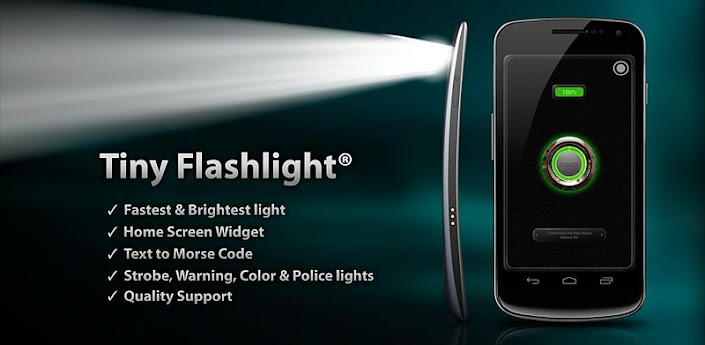
A very handy tool for our phone when you are somewhere out in the woods, the power goes down and you don't have a real flashlight with you, well this is the solution.
I have used it several times and it's perfect, not only white color but you get to choose various options.
The first is regular light (White) by clicking the button on the center.
Second is warning lights, good to show some signals.
Third is lightbulb. Pretty much the same as the first but in a form of a lightbulb but on this one you can change the contrast and colors.
Fourth is color light, you can change the colors by dragging with your finger up/down/left/right to starting from light colors to dark.
Fifth is police lights. I did a prank with that one to my parent's room, it's pretty awesome. :)
Screenshots:


Video:
Download: Click here.
Market link: Click here.
Developer website: Click here.
Permission from developer for apk distribution:

I'm pretty sure all of you know about the popular Remote Access program TeamViewer which you use to help out your buddies with computer problems and other stuff. Today while browsing the Android Market I came across it and thought I'd test and show it to you.
First of all, here are some screenshots of me using it on the Galaxy Y:


Now for this, I think you would need a pretty decent internet connection such as WiFi and not from your operator's network because on the video below I was having trouble connecting at first (which part I cut on the video) after that, it took me a while for the desktop wallpaper to disappear. You can also view in landscape mode by rotating the phone.
Video:
You can download this for free from the Android Market. Click here.

One of the world's most popular IM is available for the Android devices too.
In the video I'm showing the signing in, the contacts loading/searching, and also a conversation with a friend (Unfortunately he probably was away and couldn't reply).
Video:


